Passwords Are on the Way Out: What Passkeys Mean for You
The NCSC now backs passkeys over passwords. A plain-English guide for accountancy practice partners on what they are, why they resist phishing, and where to start.
- Security
- Passwords
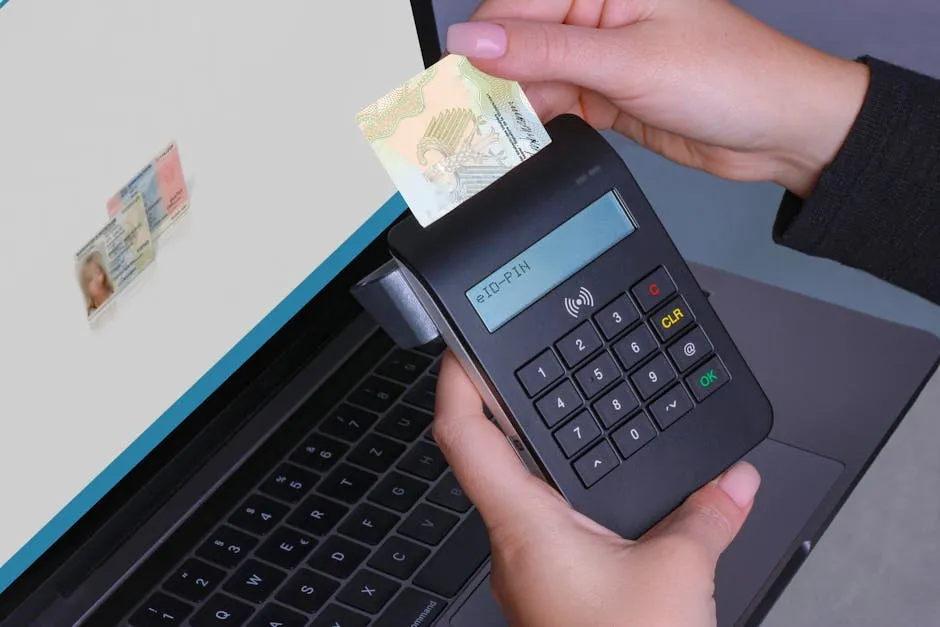
For most accountancy practices, the front door to every piece of client data, the tax returns, the accounts, the bank details, the AML records, is a password. And passwords are the weak point behind a large share of practice breaches. Someone reuses one across sites, types one into a convincing fake login page, or gets caught by an email that looks exactly like a Microsoft 365 sign-in prompt. The lock is fine. The key keeps getting copied.
The UK’s National Cyber Security Centre (NCSC) has now changed its advice on this. It recommends using passkeys instead of passwords wherever they are available. For a practice that holds a duty of care over sensitive financial data, this is worth understanding, and it is genuinely good news.
What a passkey actually is
A passkey replaces the typed password with your device. Instead of remembering a string of characters, you sign in using the fingerprint, face recognition or PIN you already use to unlock your phone or laptop.
In plain terms: when you log in to an account, your device checks it is really you, by your fingerprint, your face, or your PIN, and signs you in. There is no password to type, and nothing written on a sticky note under the keyboard.
Behind the scenes the device does some clever maths so the website can be sure it is talking to your genuine device. The important part for a non-technical partner is simpler: there is no shared secret sitting on a server waiting to be stolen.
Why passkeys resist the attacks that hurt practices
Two things go wrong with passwords again and again. Passkeys close off both.
Phishing. A criminal can build a fake login page and trick a member of staff into typing their password into it. They cannot trick someone into handing over a fingerprint. As the NCSC’s reasoning goes, a hacker can fool you into typing a password into a copycat site, but they cannot fool you into surrendering your face or your thumbprint. The passkey is also tied to the real website, so it simply will not work on a lookalike one.
Credential theft and reuse. When a website suffers a breach, the passwords stored there can leak and then get tried against every other account. A practice that reuses one password across the accounts portal and the email is one breach away from real trouble. A passkey has nothing reusable to leak. There is no secret to steal, so there is nothing to try elsewhere.
The NCSC’s own testing found passkeys to be at least as secure as a strong password combined with two-factor verification, and generally more secure. That matters because the single most common way an attacker gets into a practice’s client data is through a stolen or phished password, and passkeys remove that route.
This is the same principle we cover in our Cyber Essentials guide for accountancy practices: the strongest control is the one that takes human error out of the equation.
Where a practice should start
You do not need to change everything at once, and you should not try to. The sensible order is to protect your highest-value accounts first.
- Microsoft 365 (or Google Workspace) first. Your email is the master key to most other systems, because password resets land there. If a criminal owns the inbox, they can reset their way into a lot of other things. Microsoft 365 already supports passkeys, so this is the place to begin.
- Then your banking and payment portals. The accounts that move money are the ones an invoice-fraud attempt is aiming for.
- Then practice management, HMRC agent services and client portals. Support is growing here. Turn passkeys on wherever the software offers them.
A quick way to begin: check whether passkey sign-in is already available and switched on across your Microsoft 365 accounts. For many practices it is sitting there ready to use.
The realistic transition: passkeys plus a password manager
Here is the honest picture. Not every system your practice relies on supports passkeys yet, and some older portals may take a while. That is fine. The changeover is meant to be gradual, and most major services let passkeys and passwords work side by side while you move across.
During that period, the practical setup is straightforward:
- Use passkeys on every account that supports them, starting with the high-value ones above.
- For everything that does not yet, use a password manager to generate and store a long, unique password for each account, paired with two-factor verification.
A password manager means nobody is reusing the same password across the email, the bank and the practice software, and nobody is trying to memorise twenty of them. It is the bridge that keeps the still-on-passwords accounts safe until passkeys reach them too. Done this way, the move happens quietly in the background rather than as one disruptive switch, which matters when you cannot afford downtime during the self-assessment peak.
Why this is worth a partner’s attention now
ICAEW expectations, AML duties and plain client trust all point the same way: a practice is judged on how well it protects the data it holds. Passwords have been the soft spot in that protection for years. The NCSC backing passkeys is a clear signal that the ground is shifting, and that the firms moving sensibly now will be the ones quietly ahead.
You do not have to become technical to benefit. You need a plan: which accounts go first, who sets up recovery so nobody gets locked out, and how the password manager covers the gaps. That planning is exactly the kind of thing a good managed IT support arrangement handles for you, and rolling out phishing-resistant sign-in is part of the cyber security and Cyber Essentials work we do with practices.
If you would like an honest read on where your practice’s sign-in security stands today, and a simple order to tackle it in, our free Practice IT Health Check is a good, no-obligation place to start.
Frequently asked questions
Do passkeys mean our practice has to throw out all its passwords at once?
No. Passkeys roll out gradually. Most major services, including Microsoft 365, support both passkeys and passwords side by side, so you can switch your highest-risk accounts first and leave the rest until they are ready. A password manager covers everything still on a password during the changeover.
Are passkeys secure enough for sensitive client tax and accounts data?
The NCSC tested passkeys and found them at least as secure as a strong password plus two-factor verification, and generally more so. Because there is no shared secret to steal or reuse, the single most common route into a practice's client data, a stolen or phished password, is closed off.
What happens if a partner loses the phone or laptop that holds their passkey?
A passkey is tied to your accounts, not just one device, so you can set up more than one and recover access through your provider, much like you already recover a forgotten password. This is exactly the kind of setup detail worth planning before you switch, so nobody is locked out during the January peak.
Can our existing practice management and portal software use passkeys?
Support varies. Microsoft 365 and Google Workspace already offer passkeys, and an increasing number of banking, HMRC agent and client portals do too. Where a system does not yet support them, a strong unique password held in a password manager plus two-factor verification remains a sensible interim step.
Want this checked for your own practice?
Book a free Practice IT Health Check, a plain-English, no-obligation review of where your IT stands.
Book your free Health Check