The Office Printer: Your Practice's Quiet Data Risk
Scanners, printers and scan-to-email handle a steady stream of confidential client data. Here's how to keep that paperwork secure from the tray to the file.
- Security
- Data Protection
- Compliance
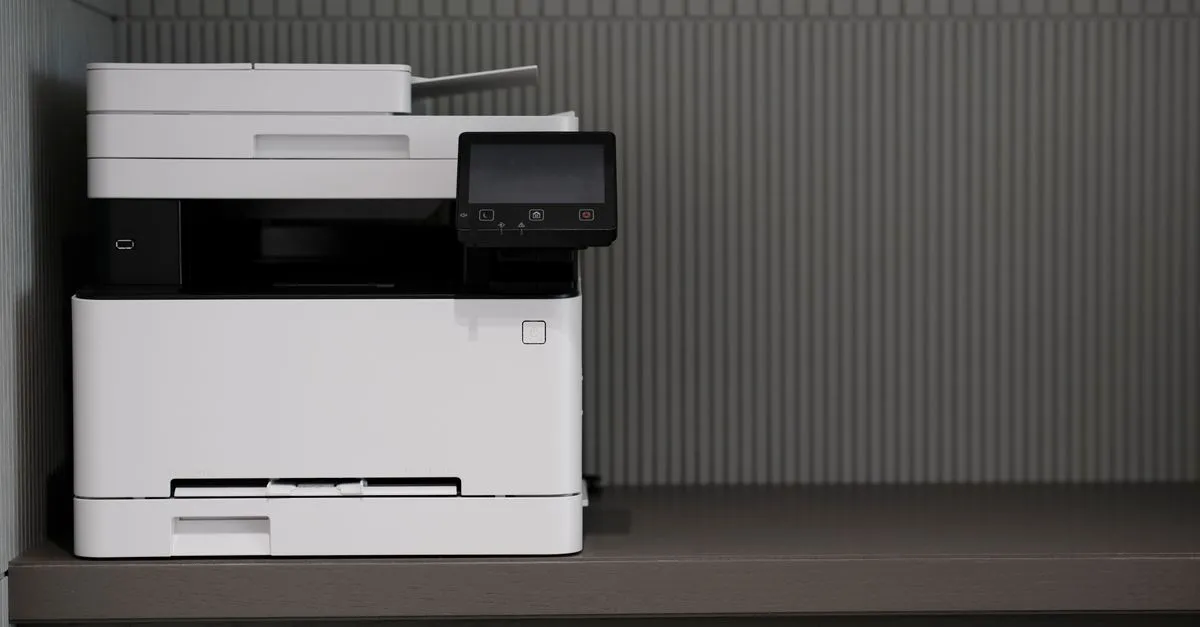
There’s a machine in the corner of nearly every practice that handles more confidential client data in a week than most of your computers, and almost nobody thinks of it as a risk. The office printer, or more likely these days the all-in-one multifunction device that prints, scans, copies and emails, quietly processes tax returns, ID documents, bank statements and signed engagement letters all day long. It is one of the most overlooked weak spots in an accountancy practice’s setup, precisely because it’s so familiar.
That’s worth fixing, because the document risks are some of the most common ways client data actually goes astray, and some of the easiest to design out. The good news is that none of this is exotic or expensive. It’s mostly a matter of setting the machine up deliberately rather than accepting whatever it did out of the box.
The risk you walk past every day
It helps to remember what a modern multifunction device really is: a networked computer with a hard drive, an email client and a scanner bolted on. The NCSC’s guidance on peripherals such as printers makes the point plainly, noting that as well as being useful, they “also provide an additional route through which attackers can reach your device and the data it holds”.
For a practice, the data it holds is exactly the data you’re most obliged to protect. And the ways it leaks are rarely dramatic. They’re mundane, which is what makes them so easy to miss.
Three places client documents quietly leak
Scan-to-email left wide open
Scan-to-email is brilliantly convenient and, on a lot of devices, alarmingly open. Out of the box, many machines will email a scanned document to any address, with no sign-in, over an unencrypted connection. That’s an open mail relay sitting on your network. At best it means a sensitive scan can be fired off to a mistyped address with nothing to stop it. At worst it’s a tool for fraud: an attacker who reaches the device can use it to send convincing emails that appear to come from inside the practice, the same invoice-fraud and business email compromise playbook that already targets firms like yours.
Confidential prints on a shared tray
Picture the shared printer in a practice in January. A partner sends a client’s tax computation to print, gets pulled into a call, and the document sits in the output tray for twenty minutes where anyone, a colleague, a cleaner, a client waiting in reception, can read it or pick it up with their own job. It’s such an ordinary scene that nobody clocks it as a breach. But “confidential paperwork left where the wrong person can see it” is exactly the kind of everyday lapse that data-protection rules exist to prevent.
Documents that land in the wrong place
When scanning means “scan to my inbox and forward it on”, documents end up scattered: in personal mailboxes, on unmanaged drives, attached to emails sent to the wrong recipient. The Information Commissioner’s Office treats this category seriously. It defines a non-cyber breach as one “that does not have a clear online or technological element”, giving the example of “information accidentally emailed to the wrong recipient”, and “data emailed to the incorrect recipient” is consistently among the most-reported non-cyber breach types it sees. Sending a client’s records to the wrong person is a reportable event, however innocent the slip.
What good looks like
Setting a practice’s scanning and print up properly isn’t complicated. It comes down to a handful of deliberate choices, the sort of thing we sort out as part of our IT projects and consultancy work or quietly as part of ongoing managed IT support:
- Scan straight into your document system. Send scans directly into Microsoft 365 or SharePoint, so they land under proper access controls and backup from the moment they’re created, rather than bouncing around inboxes. If you’re moving document storage online anyway, this fits naturally into a cloud migration.
- Lock down scan-to-email. Authenticated, encrypted sending only, with a restricted list of allowed destinations, so the device can’t be used as an open relay or fire documents off to anywhere.
- Turn on confidential print release. Jobs wait until the right person confirms it’s them at the machine with a PIN or a card. Nothing confidential sits in the tray, and as a bonus you cut a surprising amount of wasted paper from forgotten print jobs.
- Treat the device like any other computer. It needs its firmware kept up to date, its default admin password changed, and a thought spared for the copies of documents stored on its internal drive, which must be wiped before the machine is ever returned, resold or scrapped.
It’s a compliance question, not a tidiness one
It’s tempting to file all this under “good housekeeping”, but for a practice it sits squarely alongside your formal obligations. The documents in question are confidential client data, which brings your duties under UK data protection, your anti-money-laundering responsibilities, and the standards your professional body expects, the same expectations we covered in what ICAEW and your clients expect from your IT. A multifunction device is also in scope for sensible security and Cyber Essentials in just the same way a laptop is, because that’s exactly what it is.
None of this should feel daunting. The point isn’t to be afraid of the printer. It’s to give the unglamorous machine in the corner the same five minutes of thought you’d give any other system that touches your clients’ most sensitive information.
A simple place to start
If you’re not sure how your scanning and print are set up today, you’re in good company, almost nobody is. It’s one of the things we look at as part of a free Practice IT Health Check: a plain-English review of where your practice is exposed and what’s worth tidying up first, with no obligation and no jargon. Often the document side is a quick, satisfying win, the kind of risk that’s been sitting in plain sight all along and takes very little to close.
Frequently asked questions
Is scan-to-email on our printer actually a security risk?
It can be, if it's set up the way many devices are out of the box. A multifunction device left able to send email to any address, without authentication, is effectively an open mail relay sitting on your network. It can leak confidential documents to the wrong place and be abused to send convincing fraud emails that appear to come from inside the practice. Set up properly, with authenticated, encrypted sending and a restricted list of destinations, it's perfectly safe.
What is confidential or secure print release?
It's a setting where a document doesn't print the moment you hit print. Instead it waits until you go to the machine and confirm it's you, usually with a PIN or a staff card. That stops sensitive client paperwork sitting in the output tray for anyone walking past to read or pick up by mistake, which is one of the most common and most avoidable ways paper data goes astray in an office.
Where should scanned client documents be stored?
Straight into your document system, Microsoft 365 or SharePoint, not into someone's email inbox or a shared drive nobody manages. Scanning directly to the right place keeps documents under proper access controls and backup from the moment they're created, and it saves staff the fiddly, error-prone step of forwarding files around by email.
Does any of this matter for Cyber Essentials or our AML duties?
Yes. A multifunction device is a networked computer, so it falls within the scope of sensible security and Cyber Essentials just like a laptop does. And because the documents it handles are confidential client data, mishandling them is a data-protection and AML concern, not just an untidy-office one. Getting it right is part of the same duty of care your clients already assume you're meeting.
Want this checked for your own practice?
Book a free Practice IT Health Check, a plain-English, no-obligation review of where your IT stands.
Book your free Health Check